While Matrix is relatively easy to use, it can be difficult to navigate when you’re first joining. This page will guide you in signing up for the Ita Hearts Matrix service.
When you click the “start chatting now” button on the homescreen, you will be led to this page:
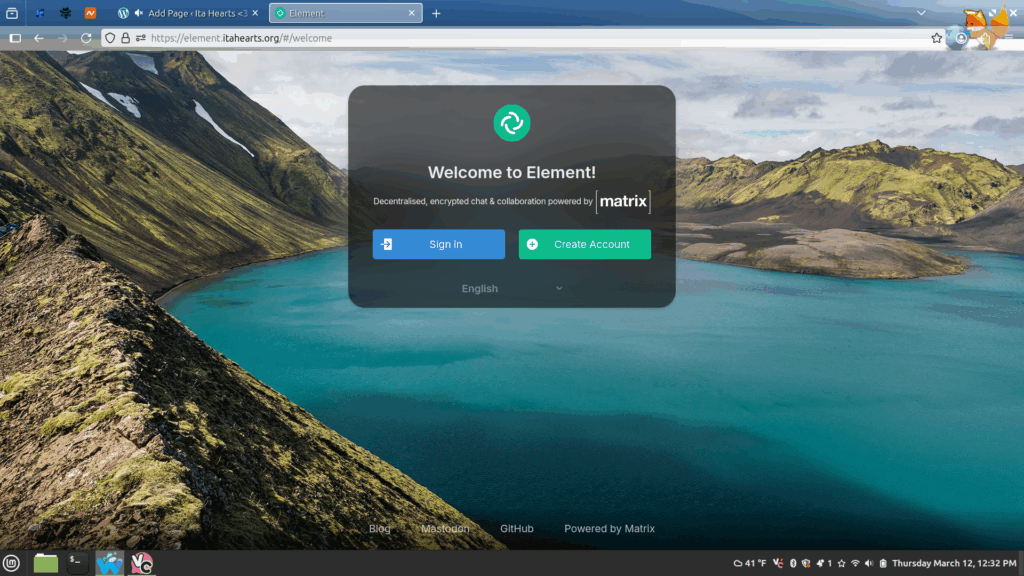
Select “create account” and type in your desired credentials. Make sure that under where it asks where your account should be hosted (“host account on:”), it says “matrix.itahearts.org“, NOT “matrix.org”.
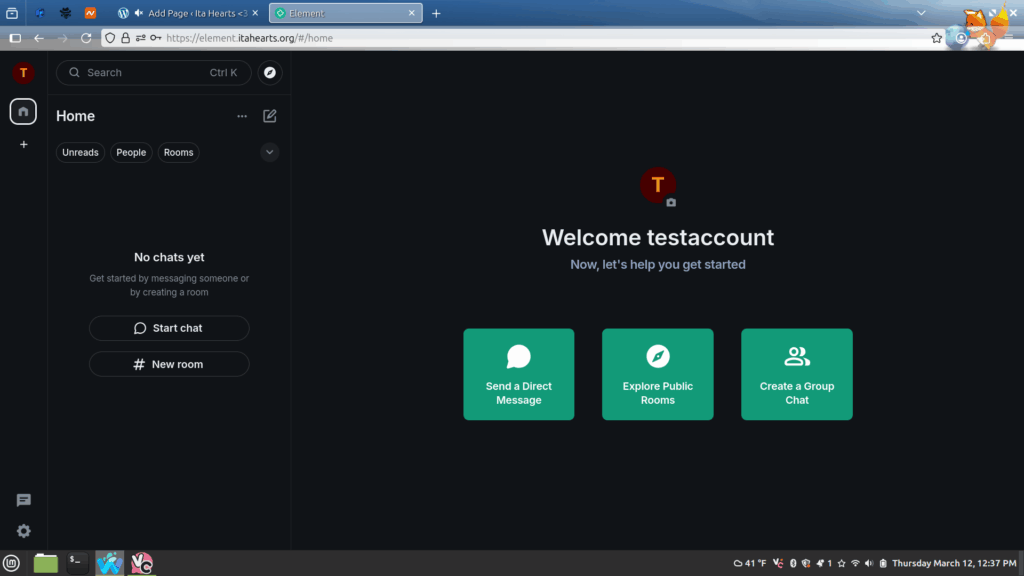
Once you have created your account, you will be led to the Element Web homescreen. Element is the most popular service that lets you communicate through the Matrix protocol. You can also download a desktop client rather than using your browser if that is what you prefer.
But don’t limit yourself to just Element! There are loads of other clients you can use to talk on Matrix! The official Matrix developers have a page listing all clients available for public use: https://matrix.org/ecosystem/clients/. Be aware: some clients only allow signups and logins from certain homeservers due to technical limitations.
My personal favorite is Cinny: I find it cute and easy to run on Linux Mint, which is my OS.
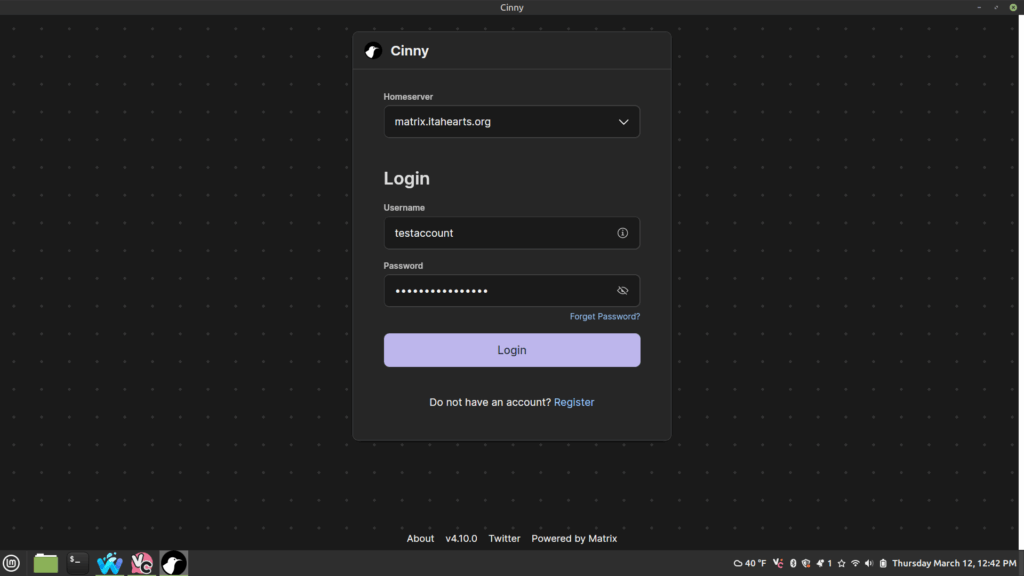
Your chats are accessible through any Matrix client, not just Cinny or Element. Take a look!
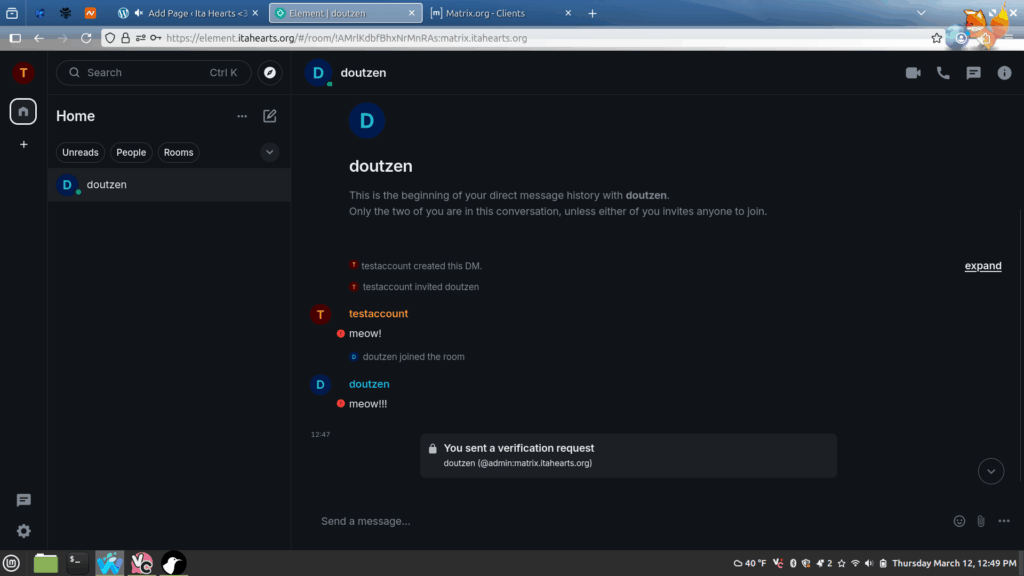
All conversations are by default end-to-end encrypted, meaning that no one (including me) can view the content of your messages. You can adjust how strict you want your privacy settings in your account settings.
For a more comprehensive explanation on how Matrix works and how to use it (made by someone certainly more qualified by me), I recommend this video here:
If you have any questions, you can send me a message through Matrix (@admin:matrix.itahearts.org) or send me an email.
Happy chatting!!!